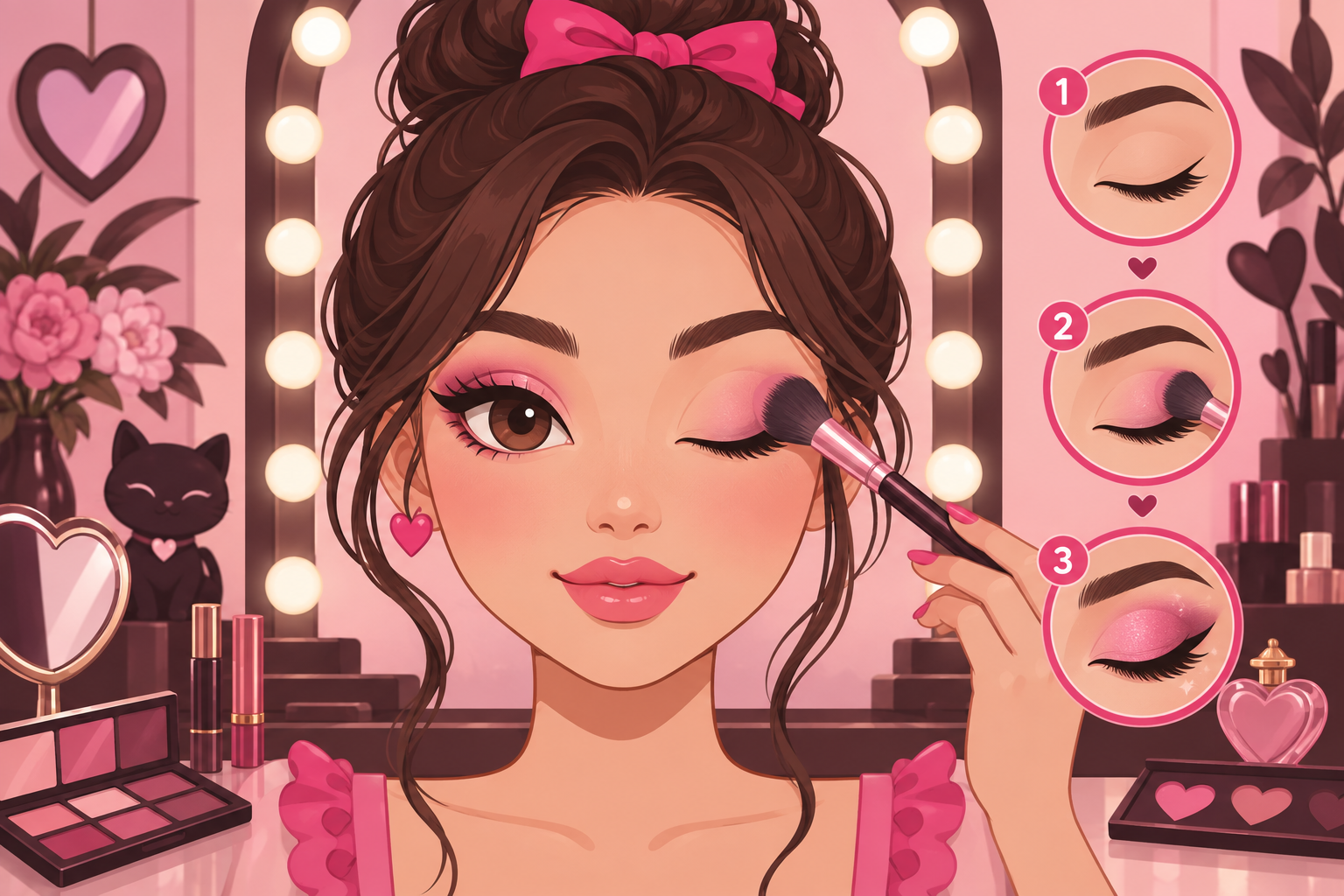
Makeup Mania is a beauty competition on Roblox where up to 10 stylists share a room, receive the same theme prompt, and each paint a makeup look against a 300-second timer before everyone walks the catwalk for peer voting. This guide covers everything you need for your first session, from the account requirement to a simple practice routine.
Check the account requirement first
Makeup Mania requires a Roblox account that meets the 16+ age requirement. If your account does not meet that gate, you will not be able to enter the experience. Confirm this before anything else — every other step depends on actually getting in.
Enter a room and get oriented
- Open the official experience, Makeup Mania! BETA, by the Make-up Mania! group on Roblox.
- Join a room. Rooms host 10 stylists, which keeps the pace brisk and the vanities easy to reach.
- If you see a Freeplay option on your screen, use it first. Freeplay lets you learn the tools with no timer and no vote — the ideal place for a first session.
Learn the 4-stage round loop
Every competition round runs through the same four stages:
- Theme announcement — the room receives a shared prompt, such as Goth, Fairycore, Y2K, or Clean Girl.
- Vanity face painting — you paint on a 2D face canvas: skin tones, eyebrows, eyeshadow washes, eyeliner.
- 3D lashes & hair styling — you equip catalog lashes, adjust their position, and pick hairstyles.
- Catwalk & peer voting — the timer ends, everyone walks, and the room votes on each look.
Practice a simple first look
This is a suggested workflow, not a required order:
- Choose your skin tone first. It anchors every color you paint afterwards.
- Pick one makeup product from the tool rail, set the color and brush size, and make a small test stroke before committing.
- Work on one area at a time — start with the eyes, then lip color, then blush or highlights if you want them.
- Locate Undo and Clear before experimenting. Undo is for stepping back one stroke; keep Clear for when you truly intend to start over.
- Keep the first look simple enough that you can inspect and adjust every part within the time limit.
Finish with hair and lashes
Open the styling options, try a hairstyle, then add lashes separately and check their position against the eyes. Our lashes and hair guide walks through the 3D side in detail.
Try your first themed round
When you feel ready, join a competition round, read the theme shown in the game, build your look inside the 300-second window, and take part in the voting. Follow the on-screen prompts for the current round — the BETA build is still evolving, and the exact scoring math has not been officially published.